MOATA Geospatial

Democratizing GIS software

Client

Mott McDonald

Role

Lead Product Designer

Team

MOATA Geospatial

Victoria King (Senior Product Manager), Isabel Seakins (Graduate Product Manager), Sophie Barnes (Delivery Manager), Mete Pakdil (Tech Lead, Backend), Matthieu Thery (Front End Lead), Paul Beaumont (Digital Product Lead), Neill Brauders (MOATA Portfolio Lead), Thomas Joseph (Head of Platform), Back end and front end engineering teams

Client

Mott McDonald

Role

Lead Product Designer

Team

MOATA Geospatial

Victoria King (Senior Product Manager), Isabel Seakins (Graduate Product Manager), Sophie Barnes (Delivery Manager), Mete Pakdil (Tech Lead, Backend), Matthieu Thery (Front End Lead), Back end and front end engineering teams

Paul Beaumont (Digital Product Lead), Neill Brauders (MOATA Portfolio Lead), Thomas Joseph (Head of Platform)

MOATA Geospatial

Democratizing GIS software

A design and feature evolution for Moata Geospatial, driving GIS democratization, improving usability, accessibility, and collaboration across project teams to strengthen client engagement

Overview

Shifting toward a user-centered culture

Moata Geospatial (MGO) from Mott McDonald is a web-based platform that brings together GIS (Geographic Information System), BIM (Building Information Modeling), dashboards, and documentation to support smarter infrastructure delivery through spatial data analysis.

As Lead Product Designer, I improved access to GIS by delivering key platform features, driving UX/UI enhancements, and introducing user research practices that helped shift the product from technology-led to user-centered

Challenge

The platform had to serve both GIS experts and non-specialists, but legacy software, a rigid design system, and inconsistent UX/UI and interaction patterns created friction, requiring creative solutions to improve usability, accessibility, and workflows without sacrificing technical depth

Approach

I improved usability by revisiting existing workflows, implementing consistent design patterns, and refining the interface through better layout, spacing, and reduction of unnecessary UI elements, as well as iterative prototyping and testing

New Toolbox

Customizable and expanded

Core MGO Tools reorganized

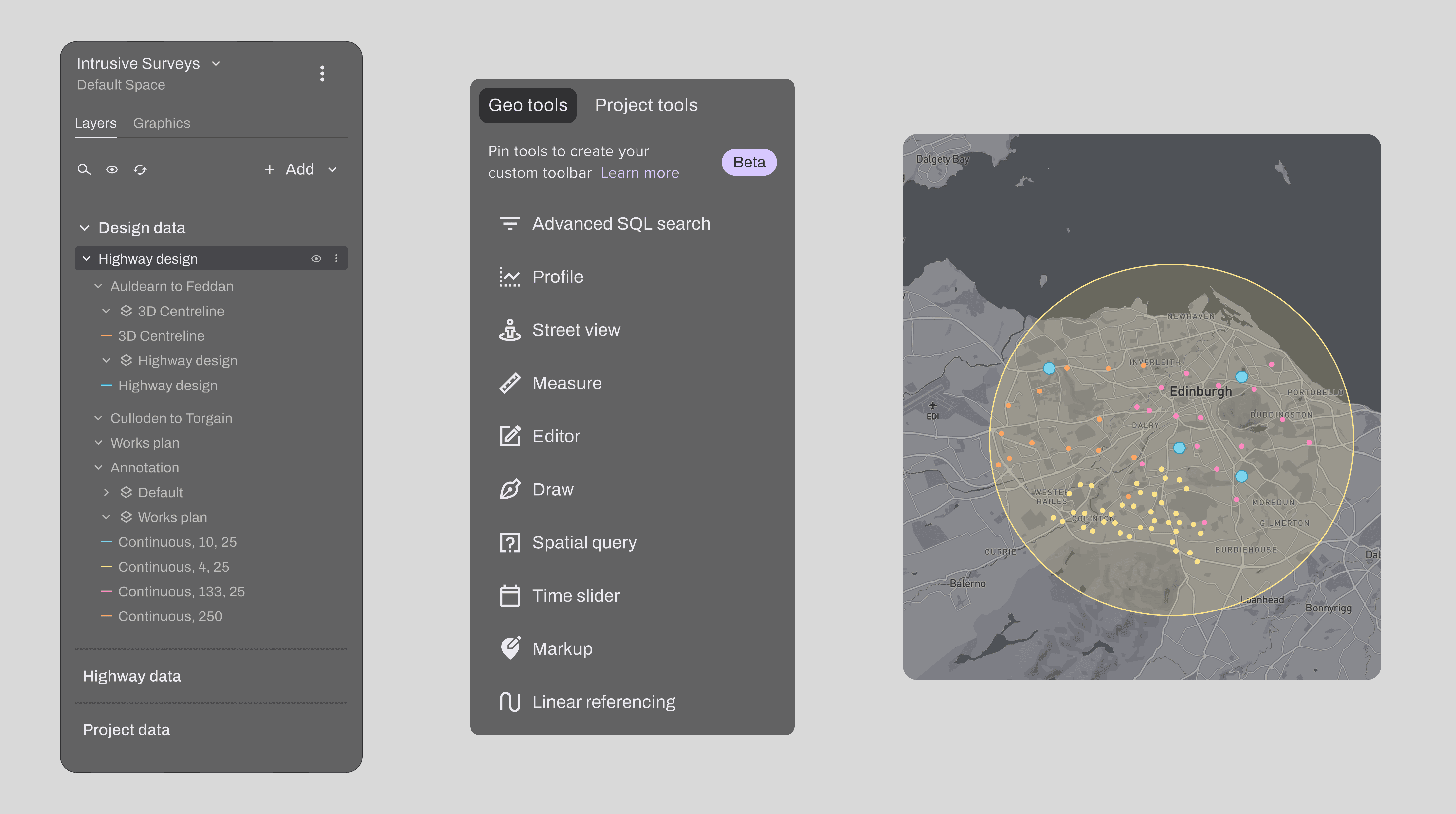
I improved usability and efficiency by redesigning how core tools were accessed, creating a new, customizable toolbox that included a pinning feature for quick access to frequently used tools

New Project Tools added

The new toolbox included a high-priority request from users and product leaders: project tools (extensions and plug-ins), allowing external complex functionality to be accessed directly within the platform

Core MGO Tools reorganized

Improved usability and increased efficiency by redesigning how core tools were accessed, creating a new, customizable toolbox that included a pinning feature for quick access to frequently used tools

New Project Tools added

The new toolbox included a high-priority request from users and product leaders: project tools (extensions and plug-ins), allowing external complex functionality to be accessed directly within the platform

Unified data import

A simpler way to add data layers

Various data sources

The unified import feature needed to support multiple data types and integration paths, including direct file uploads, layers from the MGO data store, and publicly available datasets.

Layer gallery

The system also had to accommodate a gallery of pre-approved layers, allowing users to browse, preview, and add them directly to a project.

Various data sources

The unified import feature needed to support multiple data types and integration paths, including direct file uploads, layers from the MGO data store, and publicly available datasets

Layer gallery

The system also had to accommodate a gallery of pre-approved layers, allowing users to browse, preview, and add them directly to a project

Various data sources

The unified import feature needed to support multiple data types and integration paths, including direct file uploads, layers from the MGO data store, and publicly available datasets

Layer gallery

The system also had to accommodate a gallery of pre-approved layers, allowing users to browse, preview, and add them directly to a project

Dual user base (admins, non-admins)

The feature required designing distinct flows for each user type, with different access levels and responsibilities, including admin-only capabilities such as modifying the layer tree structure by adding sections and groups

Alignment with engineers

Integrating new GIS data layers into existing projects involved close alignment with both back and frontend engineers to understand technical constraints and deliver a seamless, intuitive workflow for all users

Dual user base (admins, non-admins)

The feature required designing distinct flows for each user type, with different access levels and responsibilities, including admin-only capabilities such as modifying the layer tree structure by adding sections and groups

Alignment with engineers

Integrating new GIS data layers into existing projects involved close alignment with both back and frontend engineers to understand technical constraints and deliver a seamless, intuitive workflow for all users

UI Redesign Initiative

Concise, engaging and functional
Problem

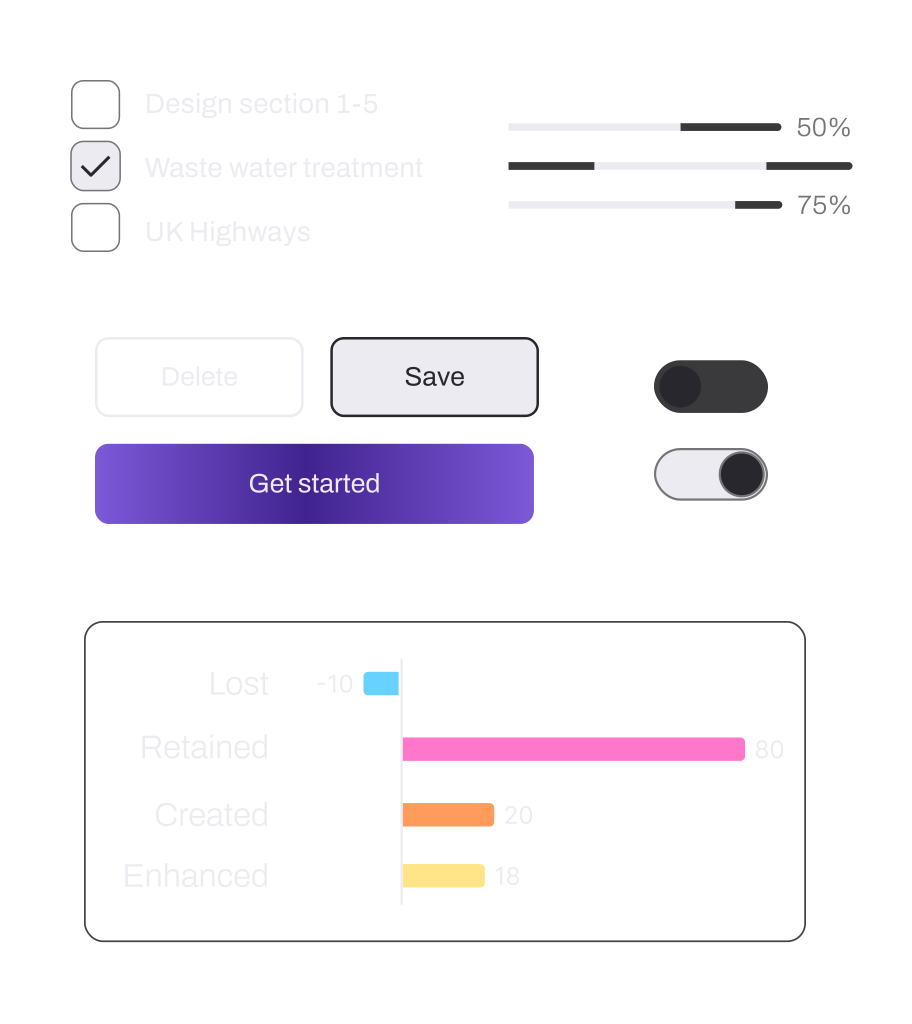
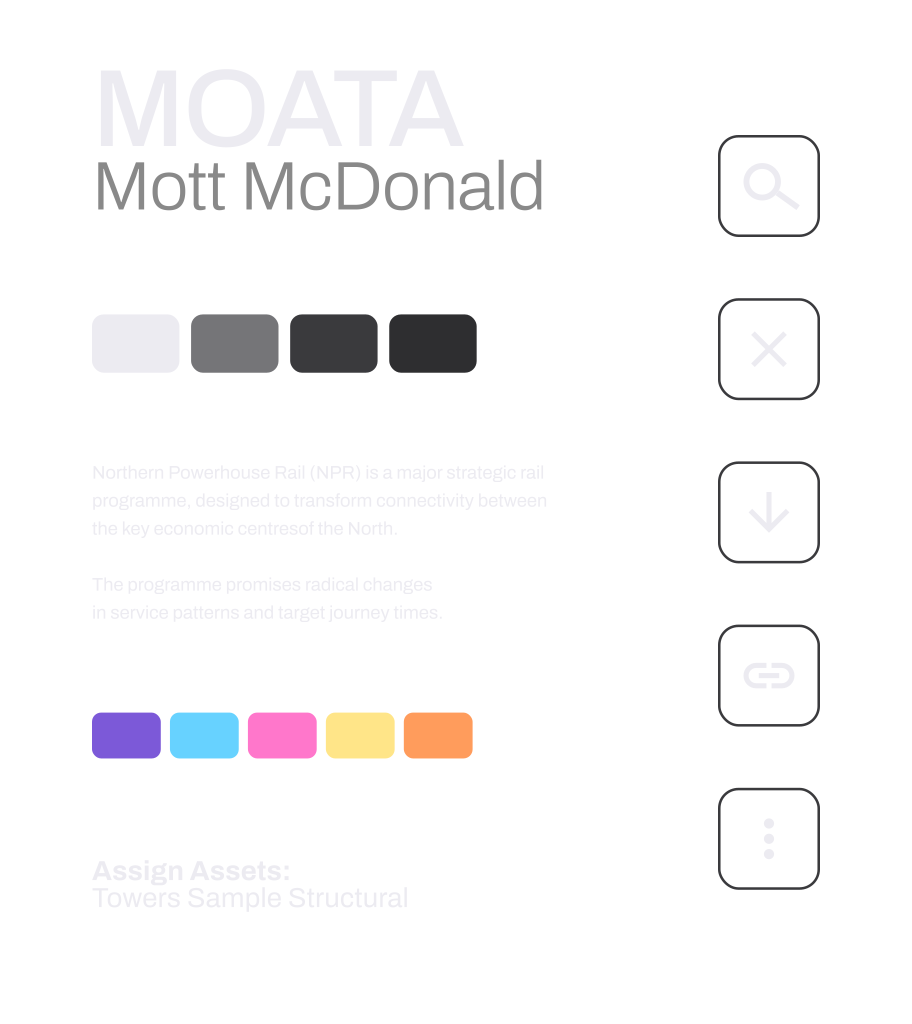
The platform relied on a rigid Material UI–based design system with limited theming and no cohesive color system, and not meeting web accessibility standards. Combined with legacy code constraints, these limitations made UI improvements difficult to implement and maintain

Solution

The visual redesign introduced a modern, clean, and on-brand look that could support complex workflows while improving clarity, consistency, and accessibility. Guided by concise, functional design principles, the new visual concept aimed to create an interface that was both engaging and highly usable across diverse user needs

Outcome

Increased platform engagement and consistently positive user feedback, especially around key improvements like the ability to add data directly to projects, streamlined workflows, and enhanced usability. These changes significantly improved cross-disciplinary collaboration, making Moata Geospatial more accessible and valuable to a broader user base.

As a result, Mott MacDonald saw stronger client engagement, with the platform becoming a more compelling tool in project delivery and stakeholder communication

Increased

Platform
engagement

Improved

Cross-disciplinary
collaboration

Increased

Client
engagement

Outcome

Increased platform engagement and consistently positive user feedback, especially around key improvements like the ability to add data directly to projects, streamlined workflows, and enhanced usability. These changes significantly improved cross-disciplinary collaboration, making Moata Geospatial more accessible and valuable to a broader user base.

As a result, Mott MacDonald saw stronger client engagement, with the platform becoming a more compelling tool in project delivery and stakeholder communication

Increased platform engagement and consistently positive user feedback, especially around key improvements like the ability to add data directly to projects, streamlined workflows, and enhanced usability. These changes significantly improved cross-disciplinary collaboration, making Moata Geospatial more accessible and valuable to a broader user base.

As a result, Mott MacDonald saw stronger client engagement, with the platform becoming a more compelling tool in project delivery and stakeholder communication

Increased

Platform
engagement

Improved

Cross-disciplinary
collaboration

Increased

Client
engagement